Upload your plans
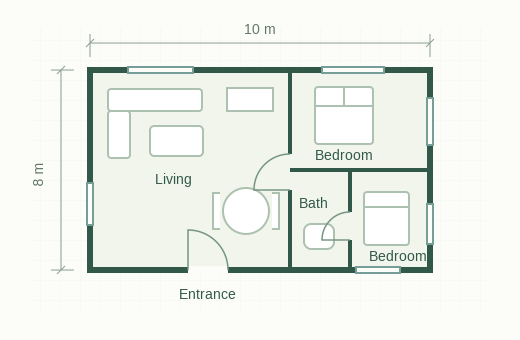
Upload a PDF of the main design documentation, an architectural design, or another document that contains a description of the building and its drawings.
Include floor plans, elevations and sections with readable dimensions.
From building plans to rendered views
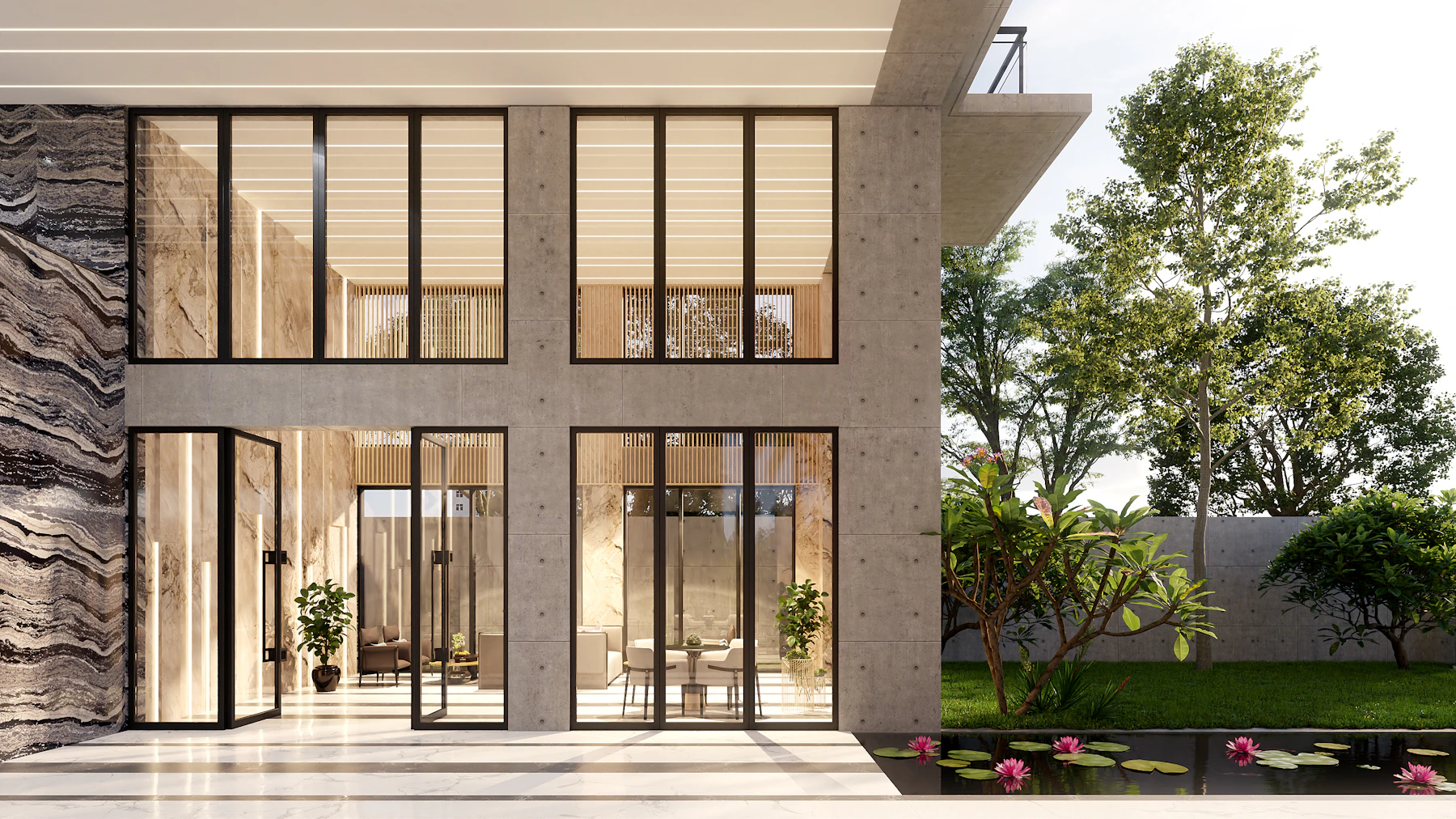
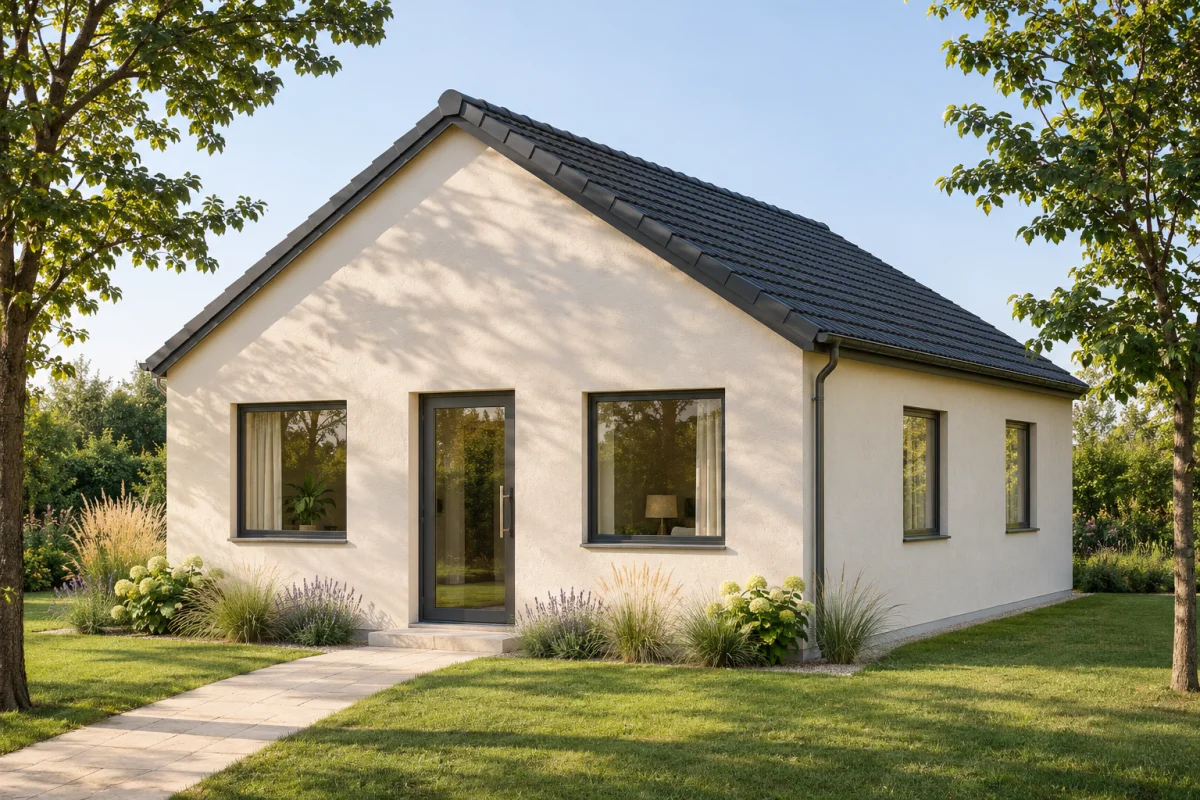
Plan to Pixel turns your project PDF into rendered views. Start with the main design documentation, an architectural design, or another PDF containing a building description and drawings.
Start with Free: one project, one image.
For architects, designers
and people planning a build.
How to use Plan to Pixel
No 3D model to prepare. Upload your architectural drawings, check the credit estimate, then review your results.
Upload a PDF of the main design documentation, an architectural design, or another document that contains a description of the building and its drawings.
Include floor plans, elevations and sections with readable dimensions.
A buffer for the job.
Unused credits return to your balance.
Choose Review & start, check the estimated cost and reserved credits, then confirm the job.


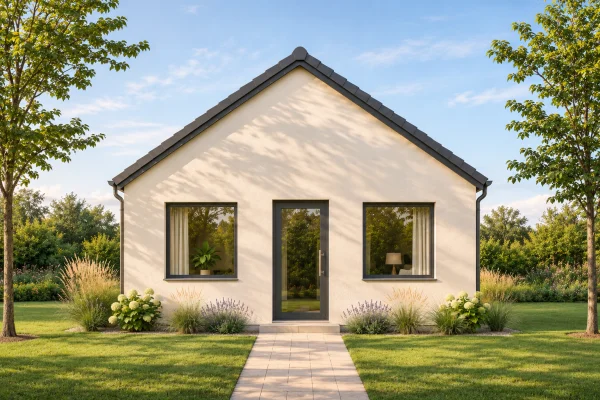
Open the completed job. Compare the camera views and download your results.
Sample drawings and AI-generated renders, not a customer project or actual app output. Credit figures are illustrative; your estimate depends on your project.
You decide what to spend
A rendering job uses more than AI. Your dashboard shows AI, storage and compute separately, so the cost is easy to follow.
See your balance before starting a job. Contact support to delete project files you no longer need and reduce future storage usage.
Find a plan for your workloadUnderstanding drawings
and enhancing images
Keeping your project files
and rendered results
Processing the building
and rendering its views
Review an estimate before each job.
Unused reserved credits are released.
Plans & access
Free includes one image. Promotional and monthly plans include full camera-view jobs within your credit allowance.
Free
Upload your plans and get one rendered image. One project and one completed render per account, with no monthly renewal.
Base price: €0.00 · 23 Nov 2026
VAT included
Promotional
Enter your invitation code when you register. Your code includes a credit allowance and expiry date, with full camera-view jobs within that allowance.
One account per code. Unused promotional credits expire on the date shown in your account.
Starter
For occasional projects.
€19.99/ month
Base price: €19.99 / month · 23 Nov 2026
VAT included
600 credits per month
Explore StarterPro
For regular workFor a growing project list.
€49.99/ month
Base price: €49.99 / month · 23 Nov 2026
VAT included
1,600 credits per month
Explore ProPro+
For a busy rendering schedule.
€799/ month
Base price: €799.00 / month · 23 Nov 2026
VAT included
30,000 credits per month
Explore Pro+All prices are in EUR and include VAT. Monthly plans renew until cancelled. Base prices are the prices first offered on 23 November 2026. Full price list and credit packs.
Credits cover AI, storage and compute. The number of jobs depends on their size and settings; monthly plan credits do not roll over.
A few useful details
Upload a PDF of the main design documentation, an architectural design, or another document that contains a description of the building and its drawings.
The drawings should include floor plans, elevations and sections with readable dimensions. A floor plan shows room layouts, an elevation shows the outside, and a section shows floor and roof heights. The example above lets you explore all three.
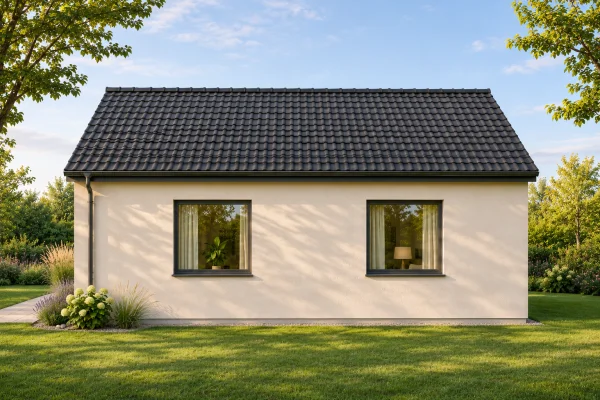
Free includes one completed job for one project, producing one image. Monthly and Promotional plans produce the full set of camera views within your credit allowance. It is not a separate job for every image. The credit cost depends on the work involved and the settings you choose.
Buy a one-time credit pack without changing your plan. Extra credits carry over. Before rendering, we show any shortfall and suggest a suitable pack. You review the render again after checkout before it starts. See pack prices, including VAT and base prices.
Before a job begins, the app shows an estimated cost and the credits to be reserved. The reservation includes a buffer for variation. After the job, the reservation is settled and unused credits become available again. You need enough available credits to start.
Always review the results against your drawings. AI-enhanced images can change details. Plan to Pixel is a visualization tool; the images do not replace construction drawings or professional checks.
Free includes one project and one image without payment. Paid plans and credit packs show the total before checkout. Any checkout marked as a test does not charge real money.
Your next project
Create a project, upload your drawings, and see what it takes to render them.